Cart
Nothing in your cart yet.
 View Plugins
DOCOgrade beta now available
Free surface, grading, design and annotation tools
DOCOgrade is a surface grading plugin for Rhinoceros 3D that brings a structured, curve-driven grading workflow to your Rhino models.
Draw your grade curves, generate a triangulated grading surface, and let DOCOgrade keep your contours, spot grades, and cut & fill volumes in sync as your design evolves.
Turn that surface data into clear, print-ready grading documentation — all without leaving Rhino.
Draw grade lines in working model to easily determine falls across site, particularly useful for DDA access design elements.
Tools to measure grades and elevations. Measure height of any object relative to selected surface or from point to point.
Add dynamic surface grade annotations including Contour Elevation Labels, Point Elevations, Point Grades and Point to Point Grades. These dynamic annotations are updated along with surface design changes.
Quickly determine basic cut and fill analysis.
Automatically generate surface TIN based on the design curve network.
Layers and annotation styles can be mapped to an existing template file allowing you to maintain consistent naming and styling across projects.
Contours are automatically generated in 2d and 3d. Contours can optionally contain elevation labels.
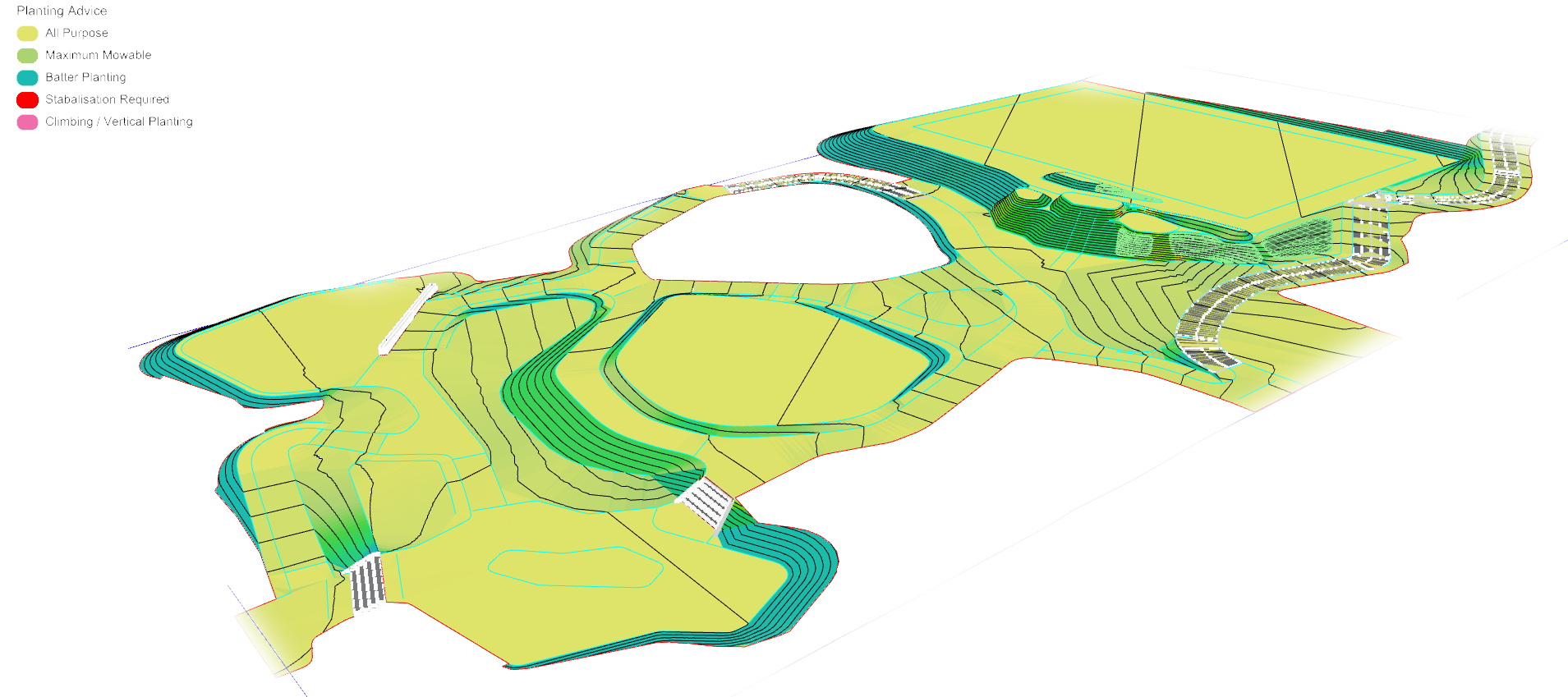
Display modes to instantly review surface grades for planting, drainage and accessibility.
If you still can’t find the answer you’re looking for, check our Support channel.
User documentation, guides and tutorials for all DOCOlab software can be found at the documentation site docs.docolab.com.au.
Yes. DOCOgrade will always be free and we are planning to share the code base as open source.
Triangulation of curve networks provides the most efficient and reliable way of generating complex & irregular topographic surfaces however the DOCOgrade workflow provides seamless integration of standard Rhino NURBS surfaces into the generated mesh – bringing together the best of both worlds.